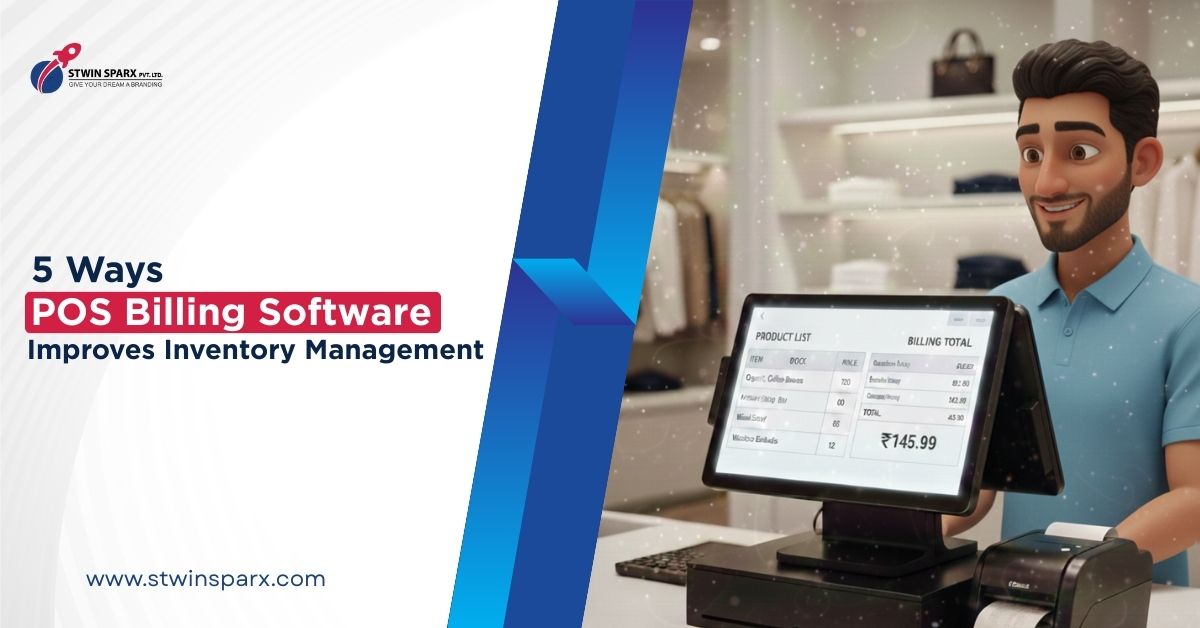
Managing inventory is one of the biggest challenges for retail businesses. Manual stock tracking often leads to errors, missed sales, and overstock issues. This is where POS billing software inventory management becomes extremely valuable. A POS system does more than billing. It helps retailers track stock accurately, reduce losses, and make smarter decisions. In this blog, we explore five powerful ways POS billing software can transform inventory management.
Introduction
Inventory control directly affects profits. Too much stock blocks cash. Too little stock leads to lost sales. Many retailers still rely on notebooks or spreadsheets, which are slow and error-prone. POS billing software inventory management automates this process and brings clarity to daily operations.
What Is Inventory Management in POS Billing Software?
Simple explanation in easy words
Inventory management in POS billing software means tracking stock automatically when sales happen. Every time an item is sold, the system updates the stock count instantly.
How POS-based inventory works in daily retail operations
Products are added to the POS system with prices and quantities. When billing is done, inventory reduces automatically. This removes guesswork and manual calculations.
Way 1: Real-Time Stock Updates with POS Billing Software
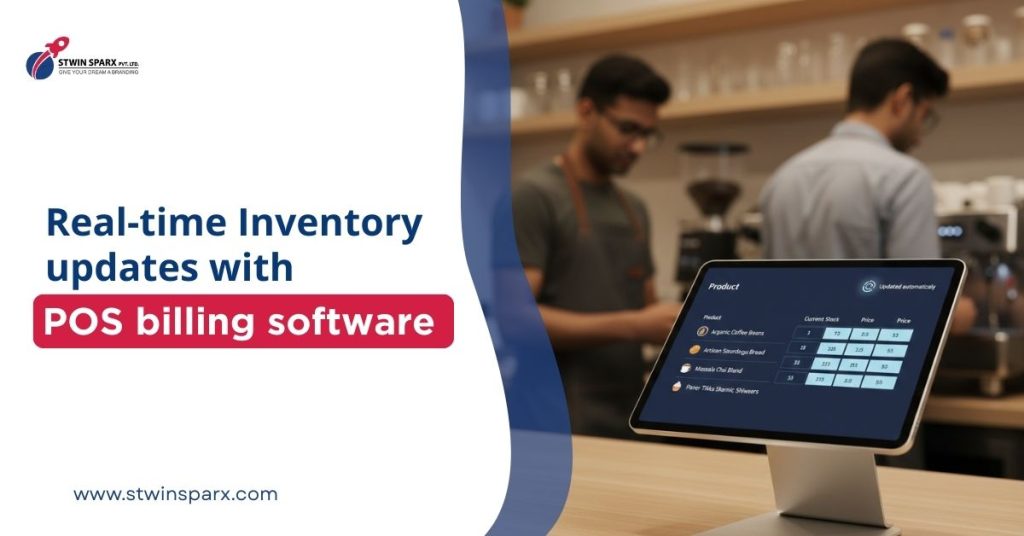
How automatic stock deduction works
When a bill is generated, the POS system reduces stock in real time. This happens without any manual input.
Benefits of real-time inventory visibility
Retailers always know what is available in stock. This prevents selling items that are already out of stock and helps plan purchases better.
Way 2: Reduce Stock Errors Using POS Billing Software Inventory Management
Manual vs POS-based inventory tracking
Manual tracking depends on human entry. Mistakes are common. POS billing software inventory management removes this risk by automating stock updates.
How POS billing software minimizes human errors
Since stock updates happen automatically, there are fewer chances of incorrect entries, missed updates, or mismatched stock counts.
Way 3: Low-Stock Alerts and Smart Reordering
How POS software tracks minimum stock levels
Retailers can set minimum stock limits for products. When stock reaches that level, the system alerts the user.
Preventing stockouts and overstock situations
Low-stock alerts ensure popular products are reordered on time. At the same time, slow-moving items are identified to avoid over-purchasing.
Way 4: Track Fast-Moving and Slow-Moving Products
Identifying best-selling items
POS reports show which products sell the most. Retailers can focus more on stocking these items.
Managing dead stock with POS inventory reports
Slow-moving or dead stock is easily identified. Retailers can plan discounts or reduce reorders to free up space and cash.
Way 5: Centralized Inventory Management Using POS Software
Managing inventory across counters or locations
For stores with multiple billing counters or outlets, POS software provides a centralized view of inventory.
Better control with one inventory dashboard
Retailers can monitor stock across locations from one dashboard. This improves control and reduces duplication of stock.
Why Retailers Benefit Most from POS-Based Inventory Management
POS-based inventory management saves time and reduces stress. Retailers spend less time counting stock and more time serving customers. Better inventory control leads to better purchasing decisions and improved profitability. According to retail technology insights, automated inventory systems significantly reduce stock-related losses and inefficiencies:
https://www.shopify.com/in/retail/inventory-management
Internal Link Section
If you are looking for a POS solution that combines billing and strong inventory features, explore:
https://crm.stwinsparx.com/top-billing-pos-software-company-in-udaipur/
Conclusion
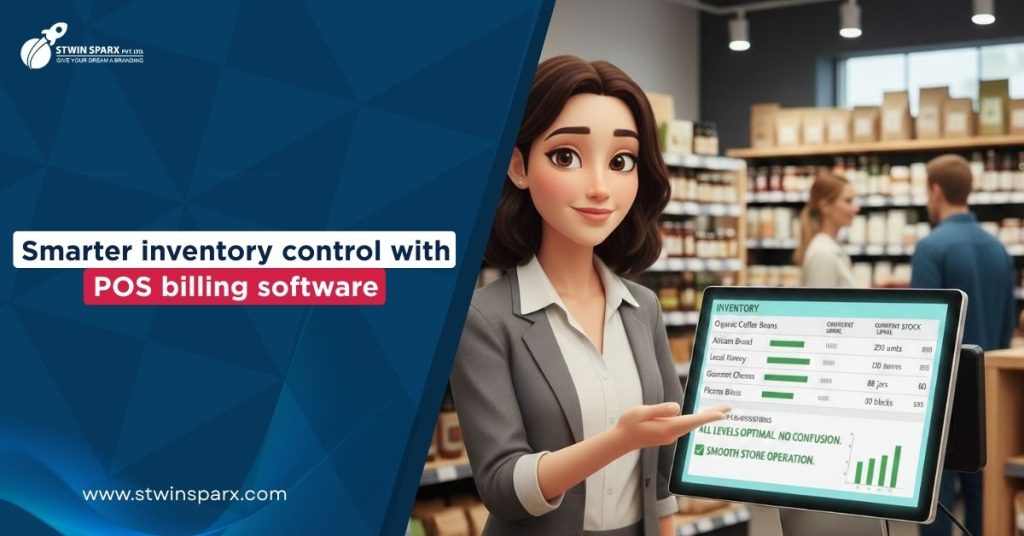
Inventory problems can slow down any retail business. POS billing software inventory management helps retailers gain real-time visibility, reduce errors, and manage stock smarter. From automatic updates to detailed reports, POS systems simplify inventory control and support business growth. For retailers who want accuracy, efficiency, and better profits, POS billing software is no longer optional.